A window of panes
pywebview opens a desktop window around a web page, and pywebview-ui is what goes inside it. The library ships the host and the consumer ships its panes. One window holds the consumer's panes in a grid, a bridge carries their calls to Python, and a stylesheet of design tokens gives every pane the same look in every theme.
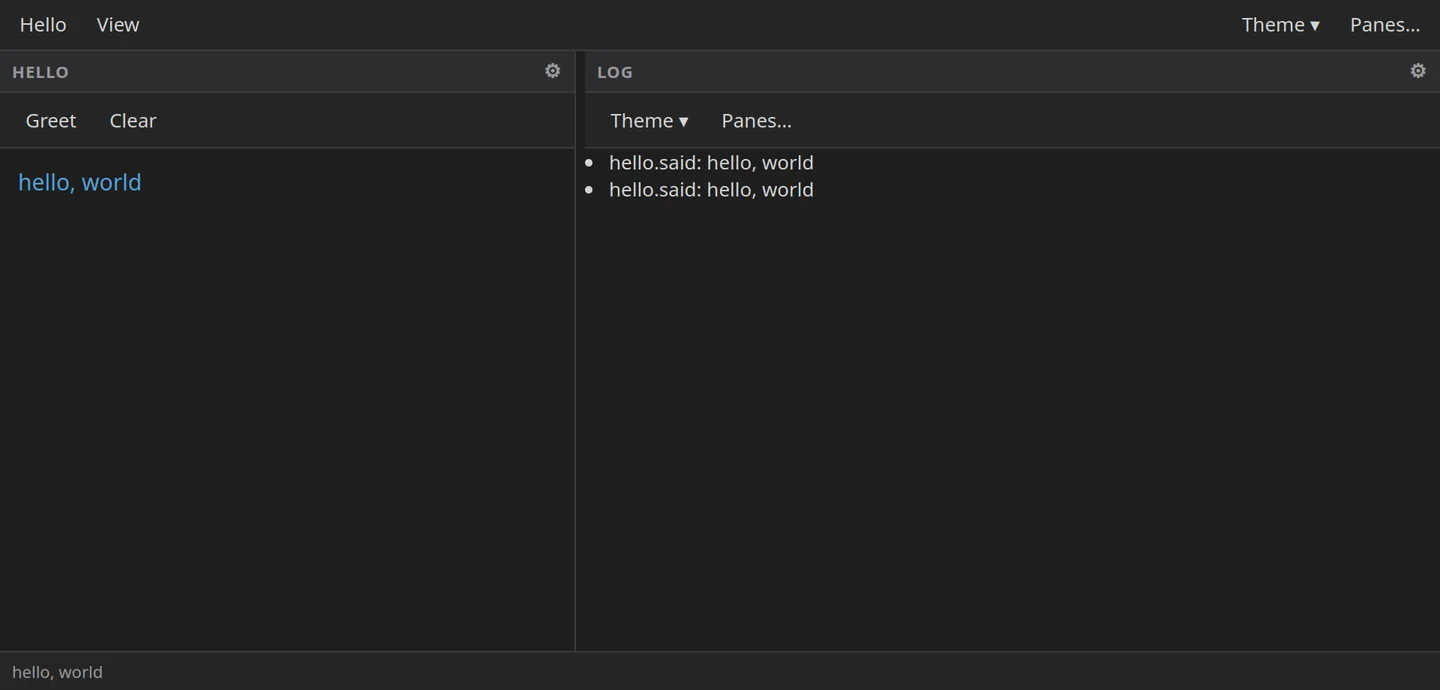
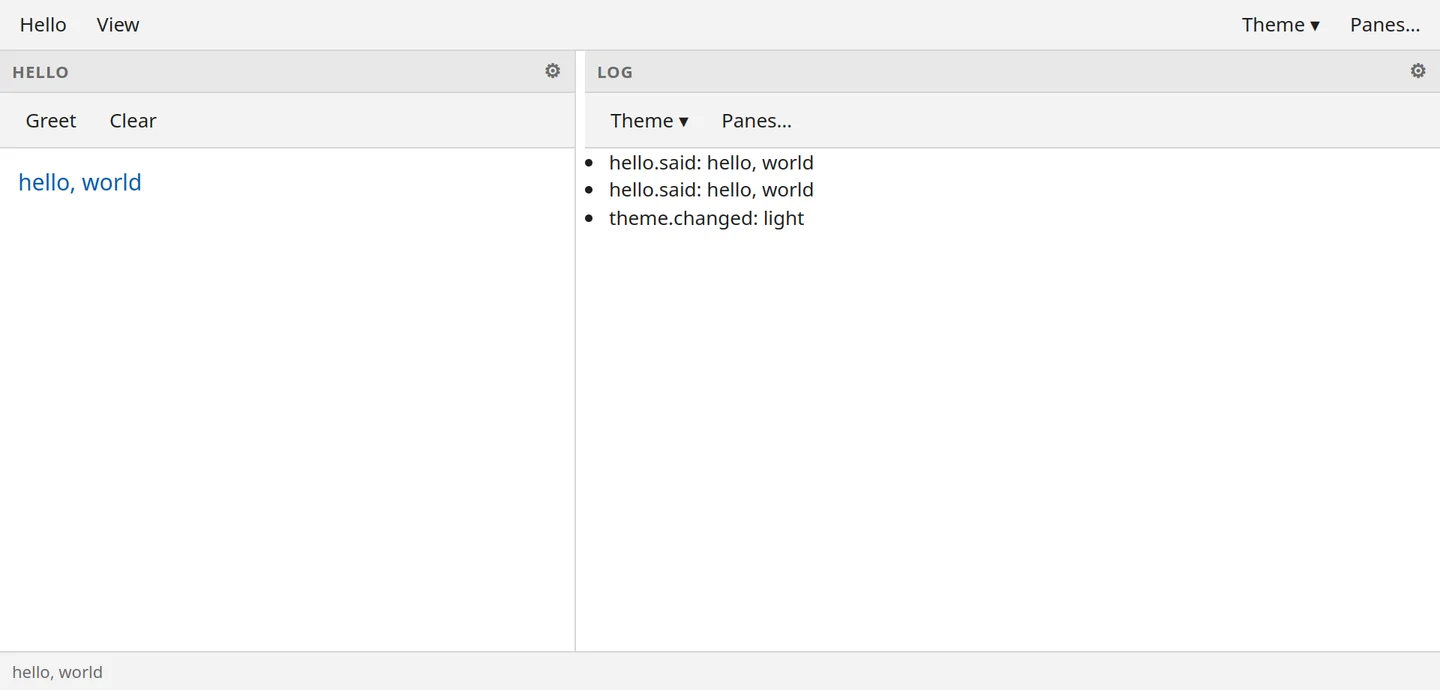
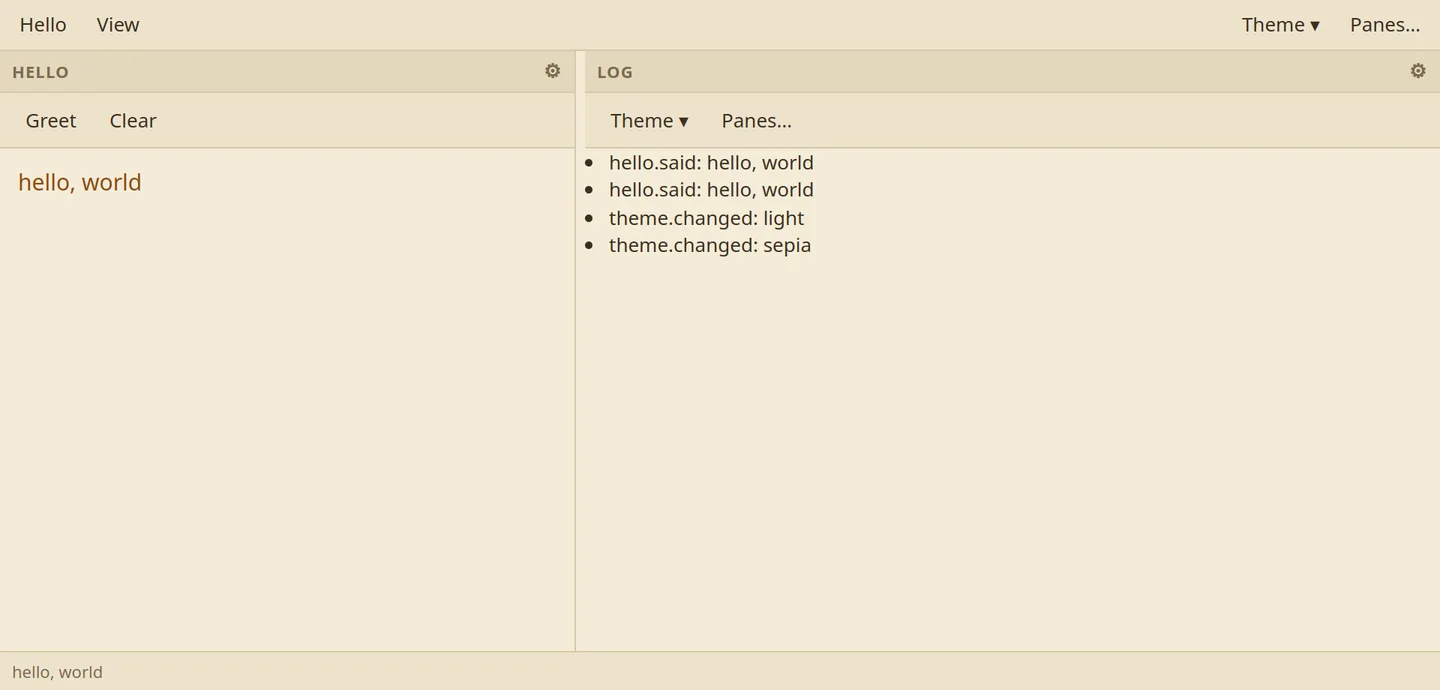
The pictures are the example the package documents, captured on 2026-10-27: a menubar, a Hello pane whose Greet button writes a greeting, a Log pane that shows the events the Hello pane sends, and a status bar. The Log pane even records each theme switch.
Who owns what
The library owns the window, the bridge, a message bus, the layout, finding and loading panes, settings and state, the token stylesheet with its two themes, and the small runtime each pane is handed. The consumer owns a short entry script, one layout.toml, and a panes/ folder with a folder per pane: a manifest that lists every command the pane has, its view, and Python code if it needs any. The layout file is rows from top to bottom and panes from left to right, each sized in pixels, in percent, or as the rest of the row.
Six verbs, one envelope
The page talks to Python through six calls and no more: bootstrap, dispatch, emit, get settings, set settings, and log. Every answer has the same shape, { ok: true, data } or { ok: false, error }, so a pane handles failure one way. A consumer never adds a seventh call; it adds commands, and dispatch refuses any pane or command that a manifest does not list.
The shell route, and the bug it had
A pane may run a shell command, but only when the consumer turns that route on, and only from a template the consumer declared on the Python side, in a pane's manifest or the host's own table; the page can never supply one. Placeholders such as the file's path or name are quoted in a single pass. Before version 0.3.1 they were not, and a file named {name};touch x;# ran touch. The fix was checked through Windows' cmd.exe as well.
A theme is tokens only
The token stylesheet holds custom properties and nothing else: surfaces, text, lines, intents, spacing, type and motion. A theme reassigns those properties and nothing else, so switching themes is complete, and the sepia above is a short file of the example's own. There are no web fonts, no framework and no build step.
Stock panes
The library ships three panes a consumer can add with one line in layout.toml: a menubar and a toolbar, filled in from the consumer's own TOML, and a status bar that shows the latest status and the jobs running. Keyboard shortcuts follow the letter printed on the key, so Ctrl+Z still means undo on an AZERTY or a Dvorak keyboard, and AltGr never fires one. A pane can switch its own commands off, and the menus grey them out (decision 0024).
When a pane breaks
A pane that fails to load becomes a placeholder that names the failure, and the rest of the window keeps running. --selfcheck checks every pane and every command without opening a window, --pane runs one pane alone in the real host, and --selfreport has the window exercise itself and write a report. The 149 tests never open a window at all. The first consumer was tool-kit's configuration window.