The stack by role
A model server is only useful if programs, people and other machines can reach it without any of them being able to wreck it. The stack is a handful of small Python services. Each has its own folder and its own tests, nothing outside the folder imports it, and none uses a third-party package.
The terminal chat, the web chat and the MCP server all build on one chat core, chatcore, which imports none of them. The models, the switch plans and the refusal sentences are the core's, so the three cannot drift apart. The menu and the desktop window are the control side: they read through the llmctl library and act through llmctl. The window also runs scripts/model.py to add and delete models, and drives the pool from its Parallel agents view. The menu has rows that open the terminal chat and the browser chat, and the window's status pane links to the browser chat.
The gateway
The gateway is one keyed OpenAI-compatible /v1 for the models of every loader it serves. It does not serve an attached Ollama daemon, which the chat core reaches directly. A request that names a local model that is not loaded loads it beside the others. When there is no room, the gateway stops idle local models, least recently used first, and never one that is answering a request. If only working models are left it answers 409 and names them, and stops nothing. A model that would not fit even alone is refused, with the numbers.
It also reads the replies, because a process can go bad without saying so. On 2026-10-24 a model about 24 seconds into its life, past its start-up check, began writing one reserved token over and over into the answer a notes app was waiting for. The gateway cut the reply, asked the process the canary's two questions, got junk back, and restarted that model alone. A fresh process was serving 12.5 seconds after the cut.
The canary is "What is 2 + 2?", asked twice: bare, and then under a system prompt. A process once answered the bare question correctly while every request that carried a system prompt was running away.
The pool
The pool is for several agents working at once. A local request goes to a free slot of the model it names, or waits its turn in a queue. A cloud request waits only for a cloud limit, and the two waits are independent. The local limit is shared by every local model, because they share one memory bus. A chat request never starts, stops or switches a model: it is refused with a message that names the start command, so nothing is loaded by accident.
Two slots on one model are one process with one copy of the weights, not two processes. Measured on the machine, two slots made a run of calls end 9 to 28% sooner and made each call 26 to 58% slower. The second agent starts at once instead of waiting, which is the point.
The LAN proxy
A machine on the local network opens an encrypted tunnel, and from then on the router answers on that machine as if it were local. The caller needs no API key: the proxy drops whatever credential a client sends and adds the router's own, which never leaves the machine that runs it. The server allows that key the one tunnel and nothing else. I tested what such a key could do and closed what I found. The proxy also refuses a request that comes from another website, a guard against DNS rebinding, and it never stops a model to make room: a load that does not fit is a 409 that names the loaded models.
The mesh channel
1-llm is also a service on a message mesh. A node that has been granted access opens a channel and sends one HTTP request. The mesh service decides what that node may do, and it forwards what it allows to the gateway. Each node has a role, admin or user, in a file the service reads again on every request. A user chats with the models that are already loaded and with every cloud model. An admin can also load a model beside what is loaded, and making room by stopping another one has to be asked for. A request that arrives through a web page is capped at user, whatever the node's role. A node that is not in the file is refused, and a file that cannot be read refuses every node instead of falling back to a default. The log keeps one line for each request and never holds a prompt, an answer or a key.
The MCP server
A coding agent starts the MCP server itself, over standard input and output, once for each session. Through it the agent has five tools. models lists what is available, with a card of what this repository measured on each model, or "no card: unmeasured here". ask sends one question to one model. load and stop change what is loaded, and force stops a working model.
Which load may stop what is decided by code, from the plan, never by the agent. By default a load goes only beside what is loaded, so two agents can never stop each other's models. A model that is answering a request is stopped only by force, and only after a human has said yes, through the client's confirmation prompt. A client that cannot ask is refused, so the tool fails closed. ask also refuses models that cost money for each call unless a settings file says otherwise.
A model that outlives its session
On 2026-10-24 a GPU reset ended the desktop session, and a router that had been started from a desktop app went down with it. Since then every process llmctl starts runs in a scope of its own, so a model outlives the session that started it, and its record says which scope it is in, or why it has none.
The multi-user web chat
The web chat is a browser page for talking with every model 1-llm serves, built as one more front end on the chat core. It is drawn after llama.cpp's own web UI, with its own CSS and icons, in a light and a dark theme. Several people can use it, each with their own conversations and settings.
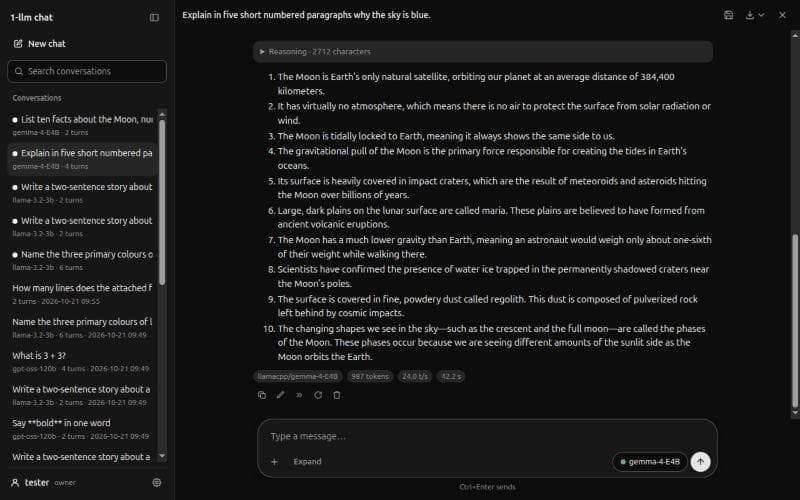
Once a user exists, every address asks for a sign-in. The roles are admin and user. Only an admin loads, stops or switches a local model, and to a user an unloaded local model reads "not loaded: an admin loads it". People see only their own conversations, with one exception I state plainly: an admin who sets another user's password can then read that user's conversations, because admins are trusted. Every change to a conversation carries the revision the page drew, so an edit made in another tab is refused instead of overwriting. When a load would stop a model that is answering, the page asks, with Wait, Replace and Cancel, instead of doing it.
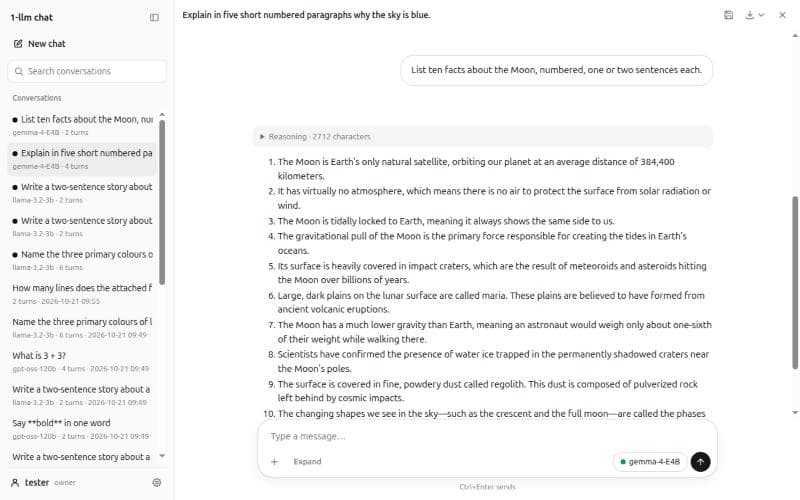
The page never parses model output as HTML. A small module turns the markdown into a tree, and the page builds DOM nodes from it, under a strict content security policy, with plain ES modules and no build step.
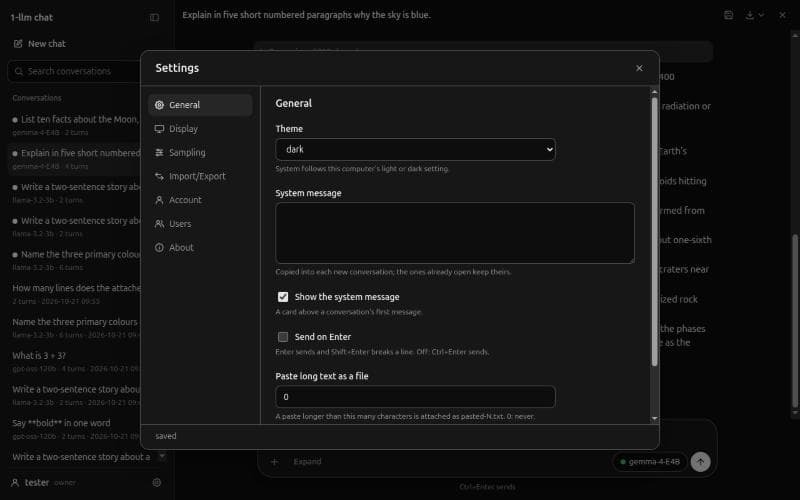
Conversations export as JSON or Markdown, and import from this page's JSON or from llama.cpp's export. Closing a conversation archives it instead of deleting it, and a removed user's data is renamed, never deleted.